10 Easy Steps to Master Your IPTV Smarters Pro Setup Tonight!
Table of Contents
What is the IPTV Smarters Pro Setup and Why Do You Need It?
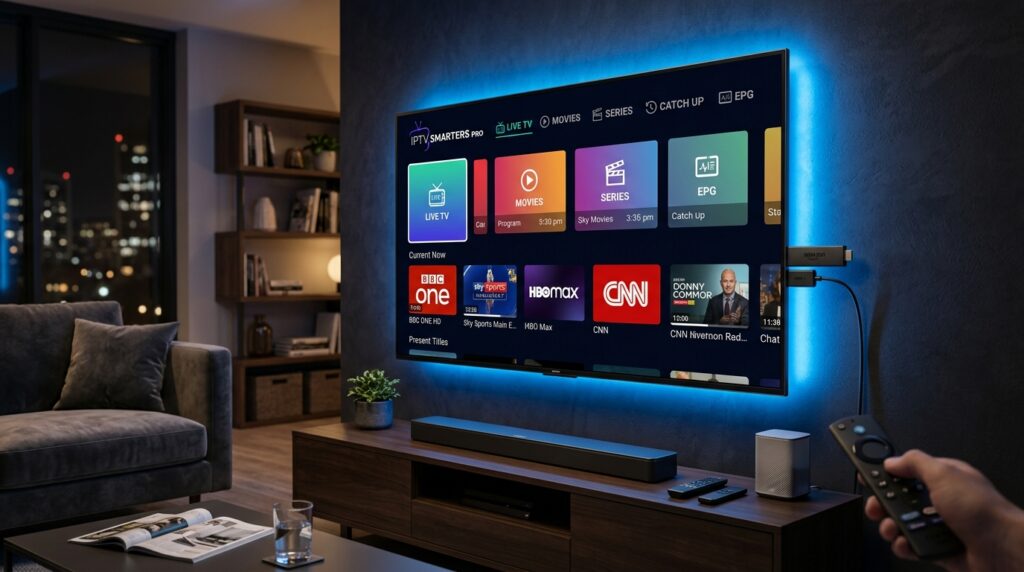
The television landscape is shifting away from traditional cable infrastructure rapidly. Millions of viewers across the United States are discovering the flexibility of internet-based media transmission. Central to this transition is the popular application known as IPTV Smarters Pro, which functions as an empty shell waiting for content streams. This software acts as an advanced user interface that translates stream links into an organized television guide.
Understanding the core features of this application reveals why it dominates the software marketplace. The tool supports multiple login integrations, including the highly efficient Xtream Codes API and traditional web links. Users benefit from automated channel categorization, a personalized favorites section, and integrated internal media engines for seamless playback. Furthermore, the program features robust parental lock mechanisms to secure explicit content groups for family-friendly environments.
A common misunderstanding involves the legal status of media player applications. It is crucial to remember that this software does not contain any built-in television stations or movies. Users must procure their own independent playlist from a external premium provider to watch video content. This means downloading the program is completely legitimate, leaving content compliance responsibilities strictly to the consumer. For a secure streaming experience, choosing a reputable and thoroughly vetted provider is highly recommended.
How to Do an IPTV Smarters Pro Setup on Amazon Firestick?
Amazon Fire TV sticks are highly favored hardware solutions due to their portable architecture and competitive cost. These streaming devices handle high-definition video data efficiently while maintaining a small physical footprint behind televisions. Optimizing your streaming stick hardware requires an adaptable player application capable of parsing large playlist databases smoothly. Because the program is not directly hosted on the official Amazon store, sideloading becomes necessary.
Preparing Your Firestick for IPTV Smarters Pro Setup
Your Amazon hardware requires specific security modifications before accepting external android applications. Navigate to the main settings dashboard on your Fire TV device and locate the My Fire TV tab. Click on Developer Options to manage your installation privileges for third-party files. If you find Developer Options hidden, press the About button seven times consecutively to unlock it. Toggle the setting titled Apps from Unknown Sources to active status immediately.
Downloading the Downloader App
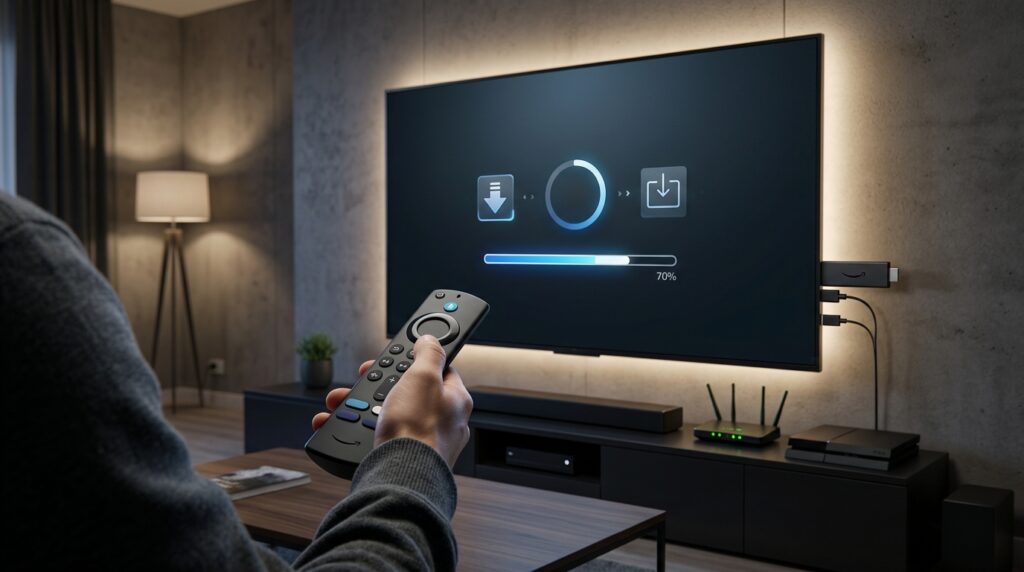
With your system permissions modified, return to the main interface to get the proper transfer tools. Open the Amazon app store icon and utilize the search function to locate the utility application named Downloader. This software serves as an internet browser specialized in fetching application installation files directly to television storage. Click the yellow download button to add this crucial tool to your streaming media collection. Launch the application once the system notifies you that the installation phase is complete.
Entering the Secret APK URL for IPTV Smarters Pro Setup
Open the freshly installed Downloader program and click on the central URL text field. Enter the dedicated application code into the browser box to locate the latest version of the player. You can find reliable web addresses for the application package file on trusted community tech forums. Alternatively, using the xtreme hd iptv downloader code ensures you acquire the exact installation files safely. Press the go command to let the file delivery process initiate over your home network.
Installing and Launching the Application
The system automatically triggers the package installer the moment the background transfer finishes. Click the install button in the lower-right corner of your screen to confirm the system changes. Once the system finishes processing the application files, select the delete option to remove the temporary installation file. This practical step keeps your limited streaming stick storage clean and running at maximum performance levels. You can now locate the application icon within your main software library for immediate configuration.
+-------------------------------------------------------------+
|               FIRESTICK PREPARATION CHECKLIST               |
+-------------------------------------------------------------+
|  1. Open Settings -> Click My Fire TV                       |
|  2. Unhide Developer Options (Press About 7 Times)         |
|  3. Turn ON Apps from Unknown Sources                       |
|  4. Use Downloader App to Fetch the Latest APK File         |
+-------------------------------------------------------------+
Step-by-Step IPTV Smarters Pro Setup for Android and iOS Devices
Android Mobile and Android TV IPTV Smarters Pro Setup
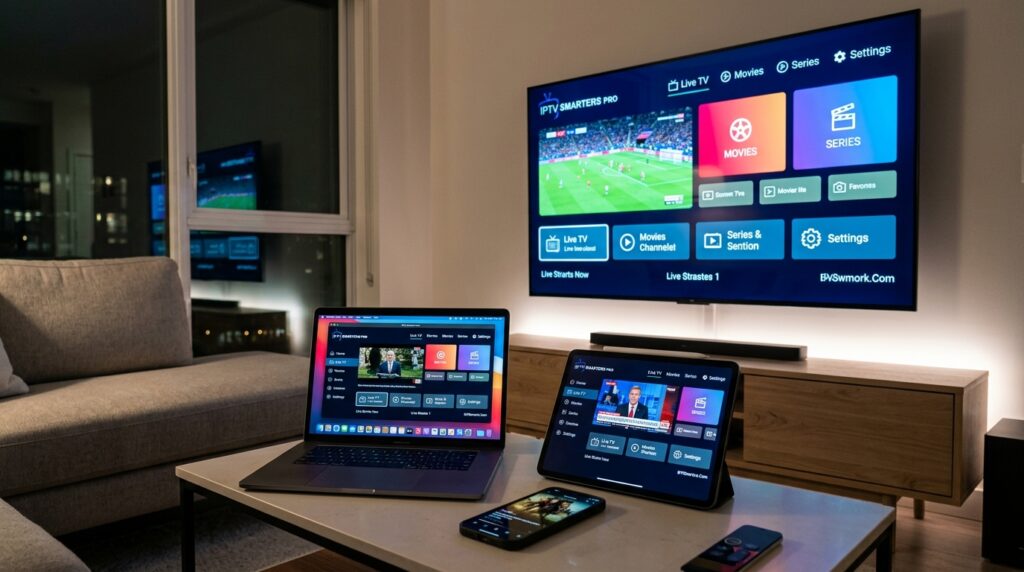
Setting up your mobile system or smart television environment is straightforward due to broad digital architecture support. Open the Google Play Store on your Android mobile device or native Android TV television screen. Type the exact title of the application into the top navigation bar to find the verified listing. Click the install button to deploy the software directly to your phone or smart screen array. If your platform lacks the standard application marketplace, you can acquire the official package via an xtreme hd iptv apk download.
Apple iOS App Store IPTV Smarters Pro Setup
Apple device owners can enjoy a streamlined installation process because the application passes strict app store guidelines. Access the iOS App Store on your preferred iPhone or iPad device to begin searching for the player. Search for the title and confirm the software publisher matches the official development team before downloading. The platform layout is highly responsive, adapting beautifully to mobile displays and tablet screens alike.
This excellent media player translates beautifully onto large television panels via dedicated Apple TV hardware models. Download the player application using the tvOS App Store system to enjoy premium home cinema experiences. The powerful processing chips found inside Apple hardware ensure that high-bitrate live feeds load instantly. Using the platform on premium hardware provides smooth channel switching and responsive menu navigation across all categories.
How to Configure Your Playlist Content in IPTV Smarters Pro Setup?
To configure your IPTV Smarters Pro setup, open the app and select “Login with Xtream Codes API” for the best results. Enter your unique username, password, and the M3U server URL provided by your service provider. Click “Add User” to load your live channels, movies, and TV series instantly.
+-------------------------------------------------------------+
|               CHOOSE A LOGIN METHOD VIA APP                |
+-------------------------------------------------------------+
|  1. Load Your Playlist or File/URL (M3U Playlist Strings)   |
|  2. Login with Xtream Codes API (Recommended for Speed)      |
|  3. Load Data From Device (Local Files)                     |
+-------------------------------------------------------------+
Method 1: Using Xtream Codes API (Recommended)
Using the API integration method is superior because it handles internal server databases with extreme efficiency. When you buy from a provider, check your confirmation email for unique account credentials. Copy the separate fields for the profile title, personalized username, secret password, and specific server web link. Type these precise items into the corresponding entry blocks within the initial application dashboard display. The software will synchronize your personalized subscription details directly with the remote distribution hub securely.
The interface populates your screen with organized television categories instantly once the database link connects successfully. This automated framework keeps your data organized without requiring manual sorting from the end user. If you are looking for premium content parameters, exploring reliable IPTV plans will help you find the best value. This configuration type updates your channel categories dynamically whenever your provider alters their streaming directory layout.
Method 2: Using M3U Playlist URL strings
The alternative connection method uses a singular long text string known universally as an M3U file pathway. Select the option labeled load your playlist or file URL from the initial system startup menu. Enter a recognizable profile name in the top box to distinguish this data collection easily. Carefully paste the entire text link provided by your service into the secondary data input field. Be sure to check that no hidden spaces are added at the start or end of the text.
Typing long web links with a standard television remote control can be a slow and frustrating task. You can simplify this step by using official remote control applications on your mobile phone to paste the text. Many users looking for affordable solutions start by searching for the best IPTV deals to acquire valid playlist strings. Once you save the link, the application downloads the entire channel list directly into the local memory cache.
IPTV Smarters Pro Setup for Windows PC and macOS
Desktop Download Links and Installation Steps
Desktop environments offer a great alternative for users who want to stream content on computers and laptops. Navigate to the official developer website using your preferred internet browser to locate the desktop software section. Download the standard executable installation package for Windows systems or the app bundle for Apple computers. Run the downloaded file and follow the onscreen setup prompts to complete the installation on your storage drive.
The desktop version takes full advantage of powerful computer processors to provide crisp, high-definition video playback. Mac computers running modern Apple Silicon chips handle these complex live video streams with minimal battery drain. The desktop control layout allows users to browse large channel lists easily using a mouse or keyboard shortcuts. Take a look at the table below to learn the helpful keyboard shortcut commands for the desktop version:
+-------------------------------------------------------------+
|                  DESKTOP NAVIGATION SHORTCUTS               |
+-------------------------------------------------------------+
|  Spacebar                 | Pause / Resume Video Playback   |
|  Up / Down Arrows         | Adjust Volume Levels            |
|  Left / Right Arrows      | Skip Video Content (VOD Mode)   |
|  F Key                    | Toggle Fullscreen Mode On / Off |
|  M Key                    | Mute Audio Stream Instantly     |
+-------------------------------------------------------------+
Advanced Settings to Optimize Your IPTV Smarters Pro Setup
Activating the Electronic Program Guide (EPG)
An Electronic Program Guide is essential for a comfortable, traditional television viewing experience. This system shows an organized grid detailing upcoming show times, episode titles, and detailed plot descriptions. To activate this feature, go to the application settings menu and select the EPG management tab. Input your specific program guide link, which is typically included with your primary subscription profile. The app will then display full scheduling details across your live channel selection.
An active program guide helps you plan your entertainment calendar without checking external entertainment websites. It powers the app’s timeline interface, allowing you to browse channel schedules while watching live video. For the best results, set the guide update frequency to refresh every twenty-four hours automatically. This ensures your program schedules remain completely accurate even if a network station adjusts its airtimes.
Setting Up External Video Players
The standard built-in video player works well, but advanced users often prefer third-party media players. External applications like VLC Player or MX Player offer superior hardware acceleration for smoother playback. Open the app settings menu, navigate to the external players tab, and click the add player option. The system will search your device’s storage to locate other compatible video players automatically. Select your preferred application to link it with your primary streaming dashboard.
+-------------------------------------------------------------+
|                 EXTERNAL PLAYER BENEFIT MATRIX              |
+-------------------------------------------------------------+
|  VLC Player    | Top-tier audio track switching capabilities |
|  MX Player     | Exceptional multi-core hardware decoding    |
|  Native Engine | Perfect integration with internal menus     |
+-------------------------------------------------------------+
Once linked, go to the player selection menu to assign specific tasks to your external application. You can set the external player to handle long video-on-demand movies while keeping the built-in player for live TV. This flexible setup helps resolve audio syncing issues and format errors on older streaming devices. It provides a reliable workaround whenever a particular video stream uses an uncommon file format.
Parental Controls and Profile Management
Keeping your streaming system safe for children is simple with the built-in profile tools. Open the security configuration dashboard and create a unique four-digit master PIN code. This security feature allows you to hide entire adult content folders from the main channel directory. It ensures younger viewers only see age-appropriate educational shows and family-friendly movies. You can find more details on managing sensitive channel groups by reading about the xtreme hd iptv adult options.
The system also supports multiple user profiles on a single device, similar to popular streaming platforms. This allows different family members to maintain their own personalized list of favorite channels and watch histories. It keeps your personalized sports collections separate from your family’s cartoon and documentary packages. Managing your user profiles carefully ensures a clean, organized, and personalized interface for everyone in your household.
Troubleshooting Common Issues in IPTV Smarters Pro Setup
How to Fix the “Failed to Authorize” Error?
The common authorization error message usually points to an issue with your account login credentials. Check your username and password entries carefully to ensure there are no unintended capital letters. Network servers are highly sensitive to case formatting and accidental spaces added by automatic text completion. If the error continues, check your service provider’s account page to make sure your subscription plan is still active. You can find competitive, reliable options by reviewing current IPTV subscription prices online.
Digital security software can sometimes block the app from connecting to remote media stream servers. Try turning off your security applications temporarily to see if they are causing the authorization error. If the app connects successfully while security is off, you will need to add an exception for the player. Additionally, verify that your service provider hasn’t changed their main server web link address recently.
How to Prevent Buffering and Freezing?
Frequent video buffering is usually caused by issues with your local network connection. Connect your streaming stick or television box directly to your router using a physical Ethernet cable. If you must use Wi-Fi, connect to the faster 5GHz network band rather than the more crowded 2.4GHz frequency. This simple network adjustment increases your data speeds and reduces signal interference from other home electronics. For more tips on improving stream stability, check out the xtreme hd iptv buffering troubleshooting guide.
+-------------------------------------------------------------+
|                 BUFFERING REMEDIAL ACTION PLAN              |
+-------------------------------------------------------------+
|  Step 1: Switch to 5GHz Wi-Fi or Wired Ethernet Cable       |
|  Step 2: Clear Application Cache via Device Settings        |
|  Step 3: Enable a High-Speed, Premium VPN Protocol          |
|  Step 4: Change Video Format Stream to Ts or M3u8           |
+-------------------------------------------------------------+
Internet service providers sometimes slow down your connection speeds when they detect high-volume video streaming. You can easily bypass this network throttling by using a fast, high-quality virtual private network (VPN). A VPN encrypts your online traffic, hiding your video streaming activity from your internet provider. Make sure to select a VPN server located close to your actual physical location to maintain fast download speeds. Finally, clearing the app’s temporary data cache regularly helps keep your streaming performance smooth and stable.
Comprehensive FAQ for IPTV Smarters Pro Setup
Is IPTV Smarters Pro free to use?
The baseline application version is completely free to download across all supported mobile and television storefronts. The free tier contains all core features required to load playlists and stream media content effectively. Users can unlock premium features, such as multi-screen view and advanced player selection, with a one-time upgrade payment. This straightforward software pricing structure keeps advanced media management tools affordable for everyone.
Why are my channels not loading after configuration?
This issue generally stems from a typographical error within your server address line or an inactive service account. Double-check your setup credentials against your registration documents to ensure everything is written correctly. Sometimes local internet service providers block the specific data connection ports used by streaming media hosts. Utilizing a trustworthy virtual private network service easily clears these connection roadblocks.
Can I use this application on a Samsung or LG Smart TV?
The availability of the application depends on your specific region and the software store on your smart TV. Look for the app store on your television menu and search for the player’s name to check availability. If your television model does not support the native app, you can use an external streaming device. Devices like a Firestick or an Android TV box connect easily to any television screen using a standard HDMI port.
Does the setup include free live TV channels?
The software operates purely as an empty media container and does not offer any built-in television stations or movies. Users must provide their own legal playlist links or subscription accounts from independent service providers. Be wary of websites that claim the software comes pre-loaded with free television content packages. For a reliable, high-quality channel selection, consider signing up for a premium IPTV subscription.
Final Verdict: Perfecting Your Entertainment System
Setting up your media player correctly transforms your daily digital entertainment experience. This flexible software puts live television, movies, and on-demand content into a single, clean user interface. By following the proper installation steps, you can avoid common configuration mistakes and technical issues. This gives you complete control over your home entertainment system without the need for expensive cable equipment.
To keep your streaming setup running smoothly, remember to clear your device’s temporary storage cache regularly. This easy maintenance step prevents performance slowdowns and keeps your channel guides loading quickly. It is also important to update the application whenever the development team releases a new software version. These regular updates deliver important security fixes and performance improvements that keep your system running reliably.
Take your time when inputting your login credentials to ensure a smooth, error-free setup process. Choosing a high-quality streaming subscription plan ensures you enjoy reliable, high-definition video feeds. Explore premium subscription plans to find the right channel packages for your household’s entertainment needs. A proper, careful setup ensures your home entertainment system delivers top-tier performance for years to come.