
If you’re looking to install IPTV on a Smart TV, you’ve come to the right place. The setup process is simple and only takes about 5–10 minutes. In this guide, you’ll learn everything you need—from selecting the right IPTV app to configuring it for smooth, uninterrupted streaming.
IPTV (Internet Protocol Television) lets you stream live TV, movies, and series directly on your Smart TV. With the proper app and setup, you can access a wide variety of channels and on-demand content. Whether you have a newer Smart TV or an older model, this guide will show you how to install IPTV easily and without hassle.
Before you install IPTV on Smart TV, you’ll need to choose a reliable IPTV app. Here are some of the top options:
IPTV Smarters Pro (Free for life)
Features: User-friendly interface, free to use, and easy setup.
Limitations: Occasional glitches and limited features compared to paid apps.
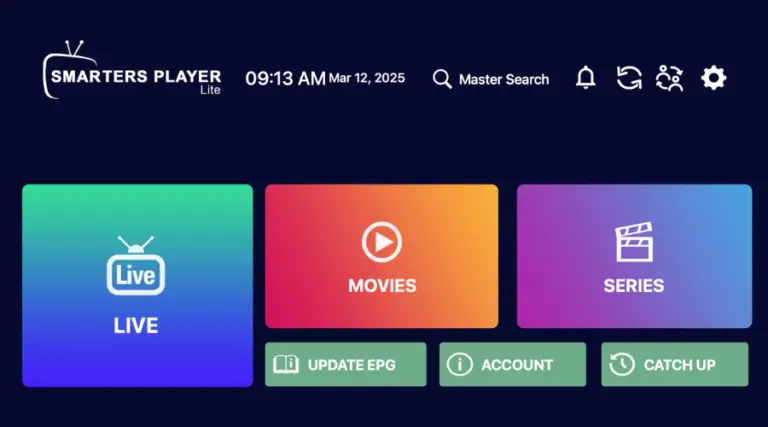
HOT IPTV (Paid) – Official Site
Recommendation: Smooth interface, 14-day free trial, and affordable at just 5 euros per year.
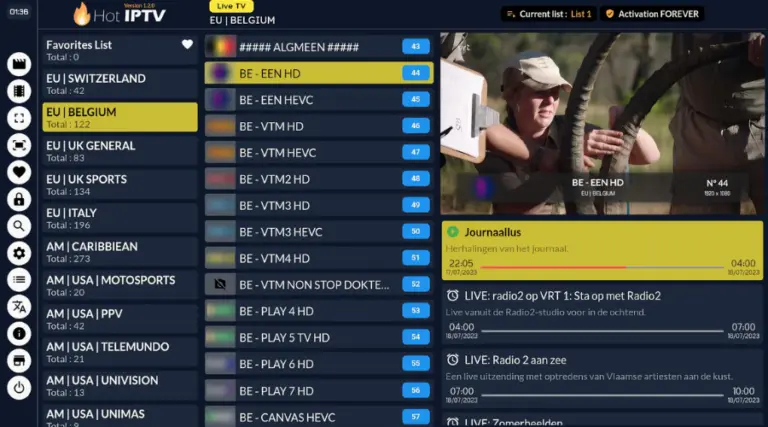
IBO Player (Paid) – Official Site
Description: Popular and reliable, though it may experience occasional downtime.
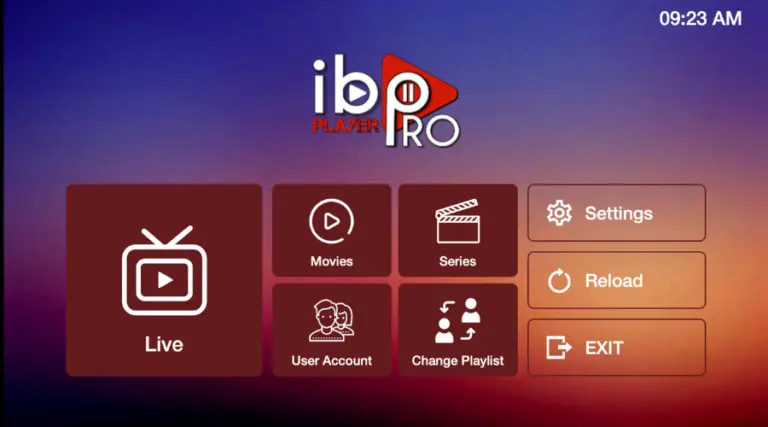
Other Options for Older Smart TVs:
Apps: Smart One IPTV, Duplex IPTV, Net IPTV, SS IPTV, Smart IPTV
Note: These apps have similar setups but may have limited memory (e.g., Smart IPTV).
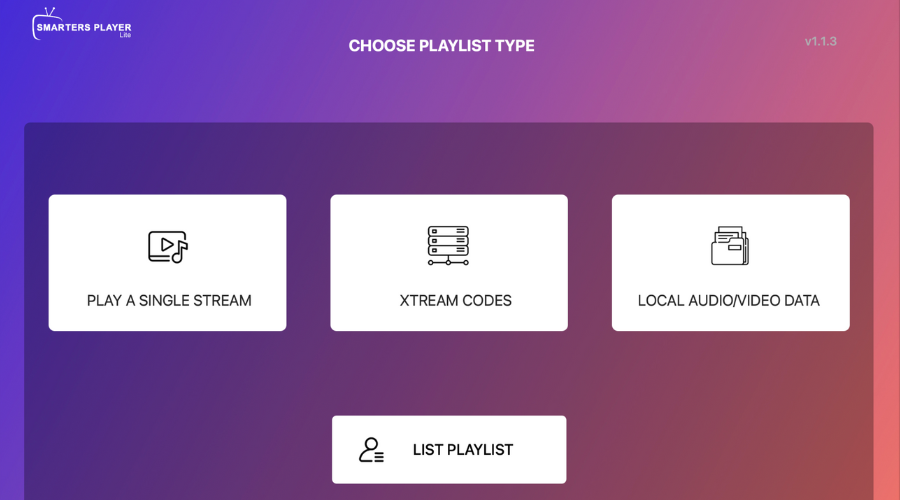
Fill in the following fields:
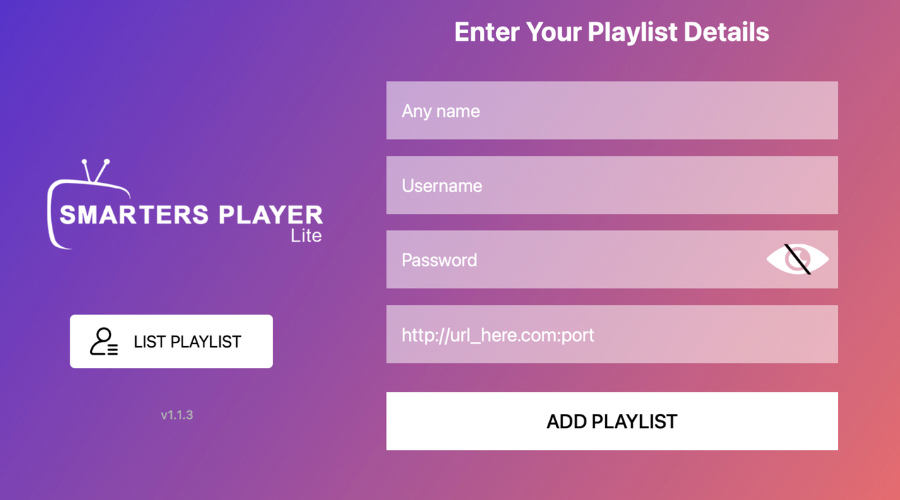
4. Troubleshooting:
If the setup doesn’t work, ask your IPTV provider for a DNS link compatible with the app.
Ensure the server URL starts with http:// and not https://.
1. Download the App:
Go to your Smart TV’s App Store and search for HOT IPTV (or any other paid app like IBO Player Pro).
Install and open the app.
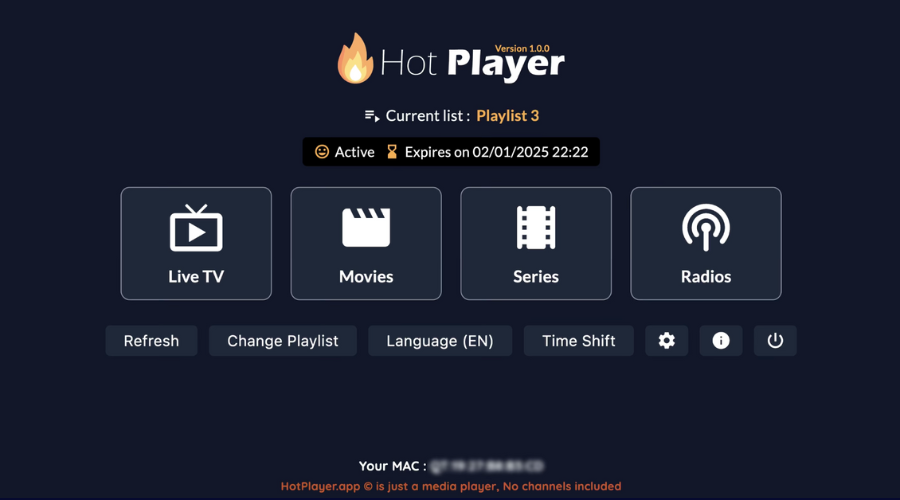
2. Note the MAC Address:
After opening the app, note the MAC address displayed on the screen.
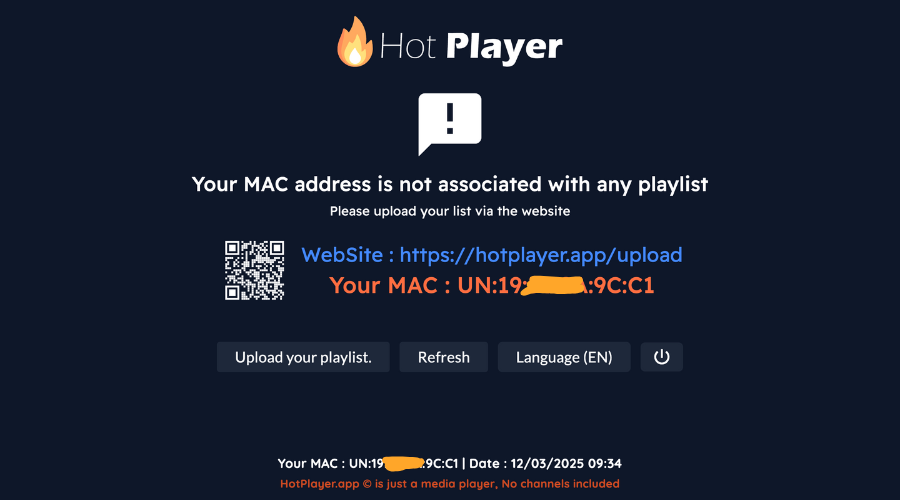
3. Send Your MAC Address:
Option 1: Send your MAC address, app name, and payment email/order ID to your IPTV provider via WhatsApp.
3. Visit the HOT IPTV Website:
Go to the link shown in the HOT IPTV app: https://hotplayer.app/upload.
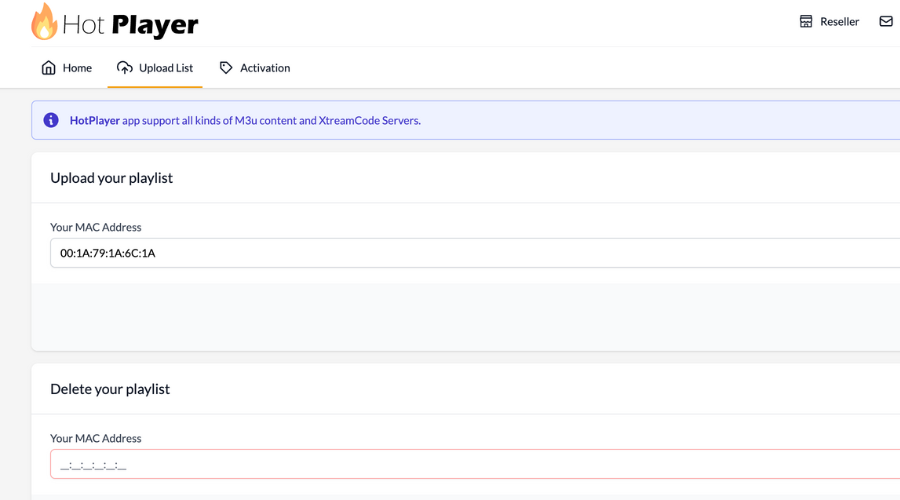
3. Enter MAC Address and M3U Link:
Type in your MAC address and press NEXT.
3. Save and Restart:
Click Save, then restart the app to start streaming. anything).
http:// rather than https:// to maintain compatibility with various media players; for a deeper understanding of how these streaming protocols function, you can consult technical documentation.


Copyright © 2026 Xtreme HD IPTV LLC, All rights reserved.
