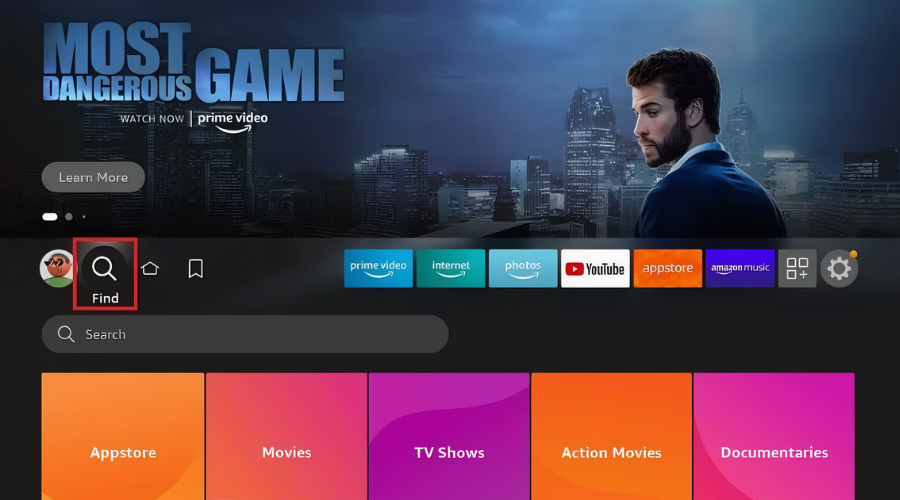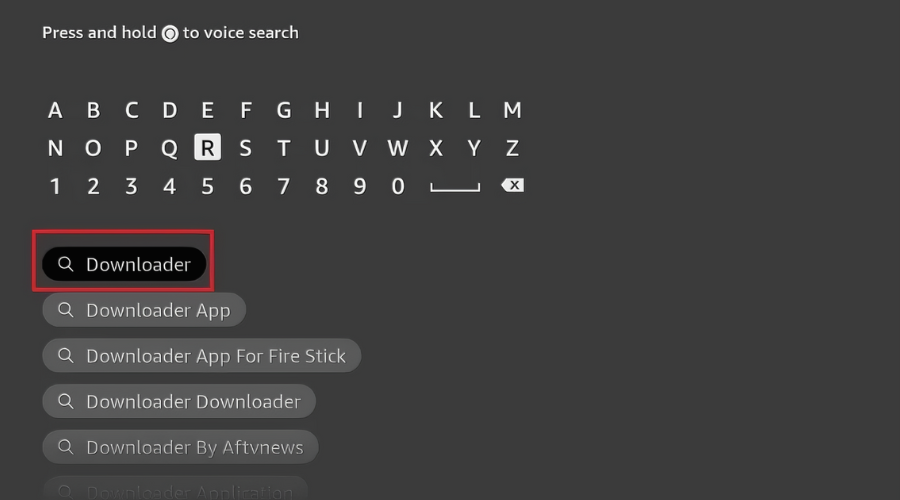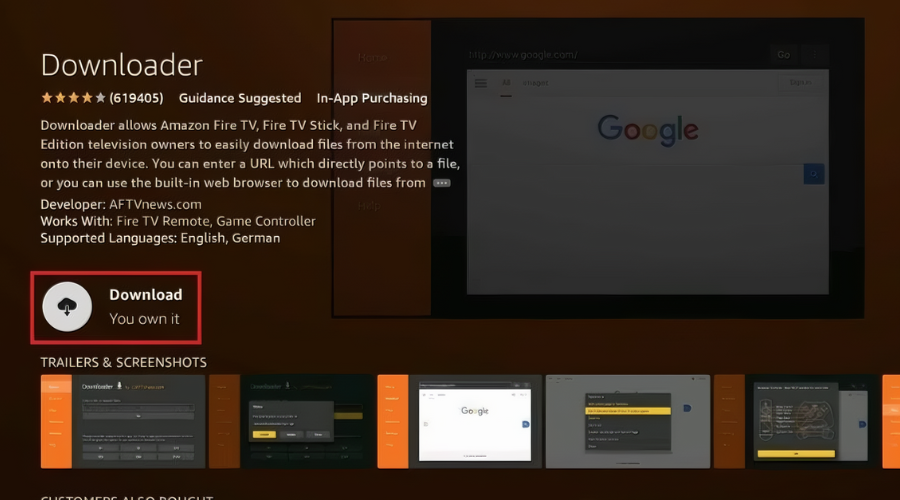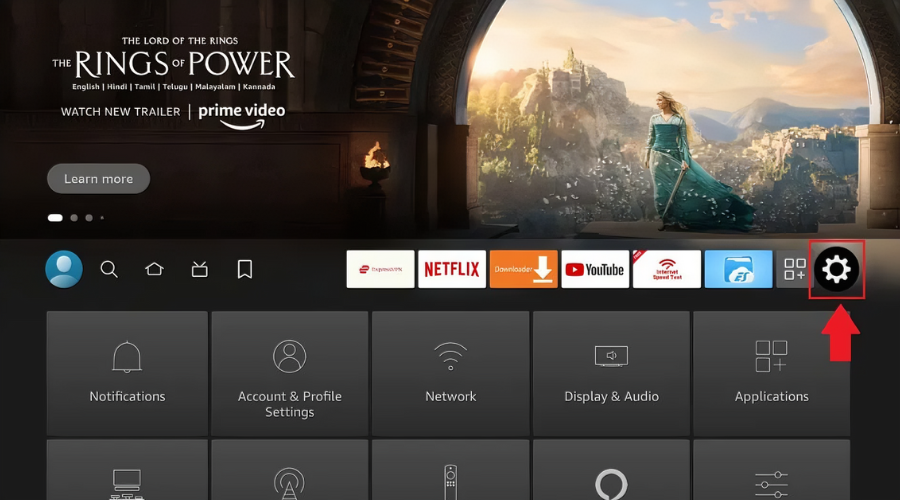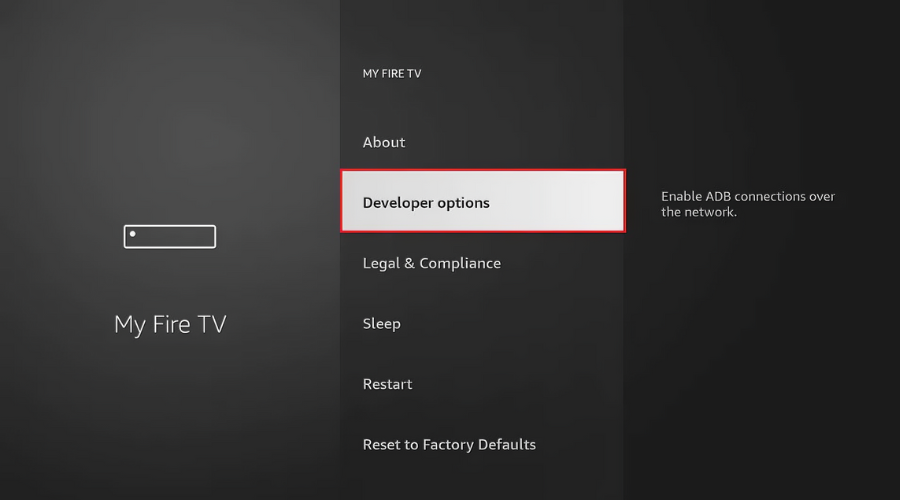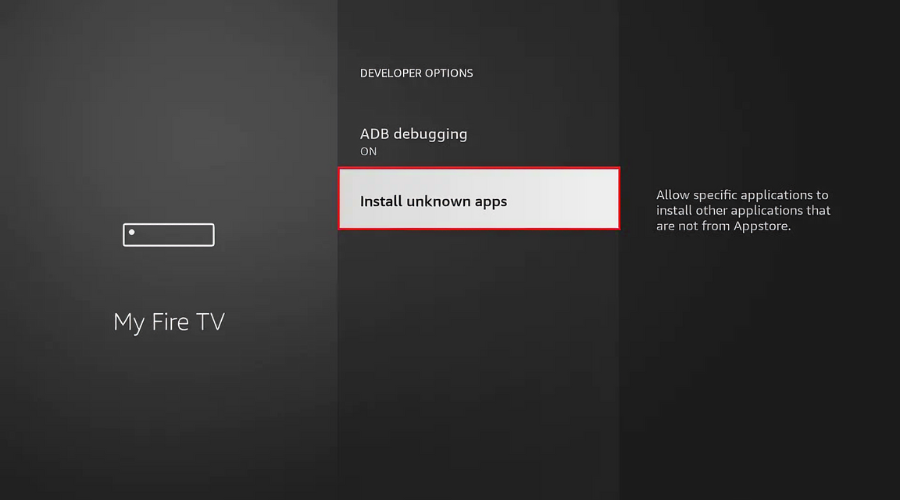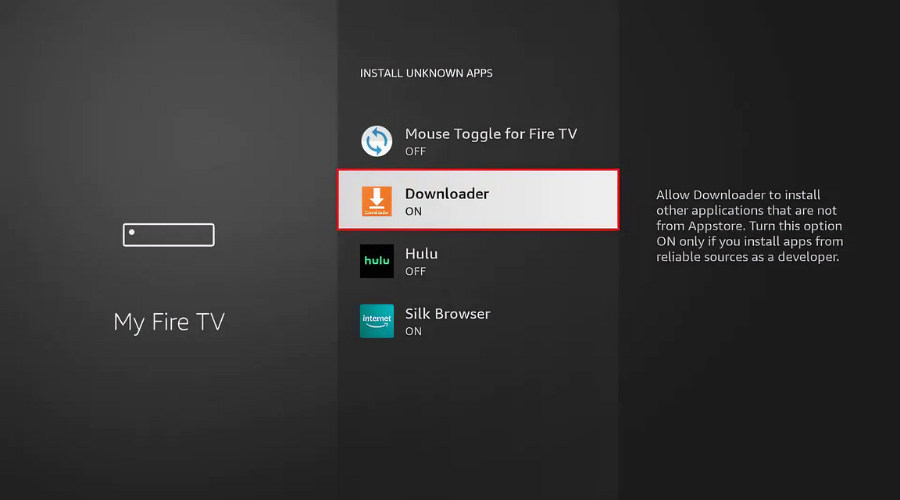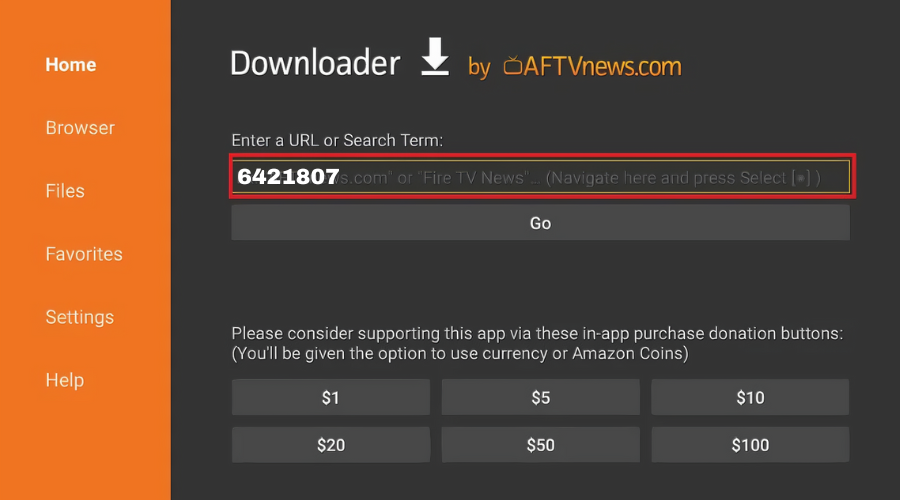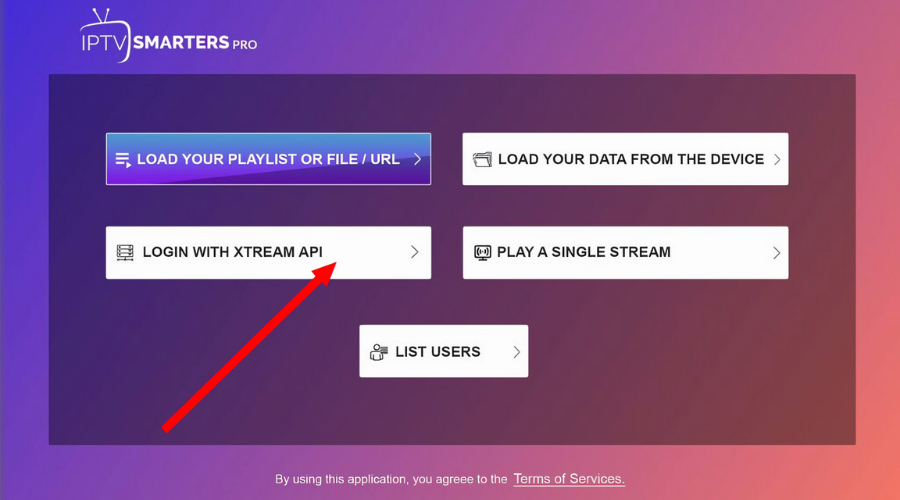
Wondering how to install IPTV on Firestick? Setting up IPTV on your Firestick is easy and allows you to stream your favorite channels quickly. In this guide, we will show you how to install IPTV on Firestick using the popular IPTV Smarters Pro app, along with alternatives. Follow these simple steps to start streaming today!
When choosing an IPTV application for your Firestick, there are several reliable options to consider. While IPTV Smarters Pro remains a popular choice due to its user-friendly interface, you can explore various alternatives that align with your streaming preferences. Below are some of the most frequently used IPTV applications for Firestick:
IPTV Smarters Pro (Downloader Code: 6421807) – Frequently used; check official sources for the latest version.
XCIPTV (Downloader Code: 3593843) – A popular alternative offering a clean interface.
TiviMate (Paid/Premium option, Downloader Code: 185194) – Often cited as a top-tier media player for its advanced features.
HOT IPTV (Paid option, Downloader Code: 395800).
IBO Player Pro (Paid option) – Often available directly via their official platform.
While the setup process for these applications is generally similar, this guide focuses on configuring your service using IPTV Smarters Pro. Regardless of your choice, ensure you have a secure connection and the correct subscription details to enjoy your content safely.
Compatible IPTV App: This guide utilizes the IPTV Smarters Pro application.
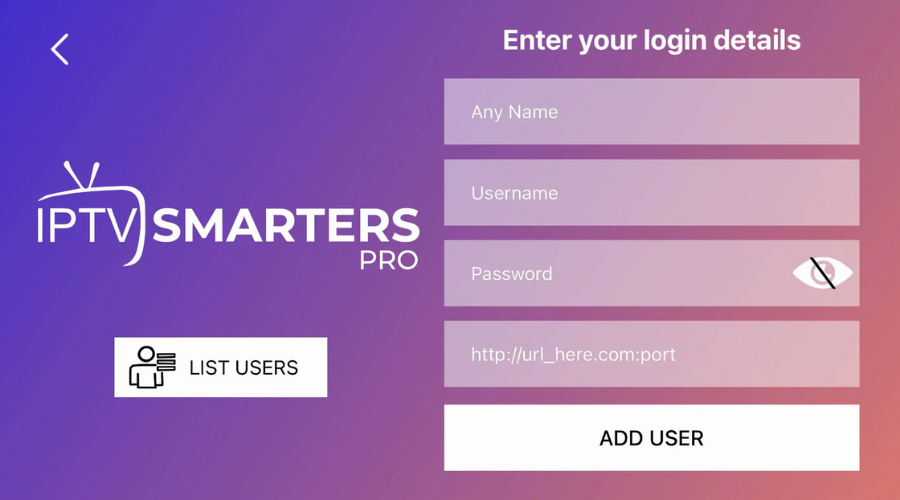
Login Credentials: You must have your account details ready, including the username, password, and server URL, which were sent to you via Email or WhatsApp.
Additionally, consider using a VPN to ensure your connection remains secure and private.