If you want to install IPTV on Apple devices such as your iPhone or iPad, you’re in the right place. This guide will take you step by step through setting up IPTV on your iOS device, helping you pick the right app and configure it for smooth, uninterrupted streaming.
To install IPTV on Apple devices, you’ll need a reliable IPTV app. Here are three of the best options available on the App Store:
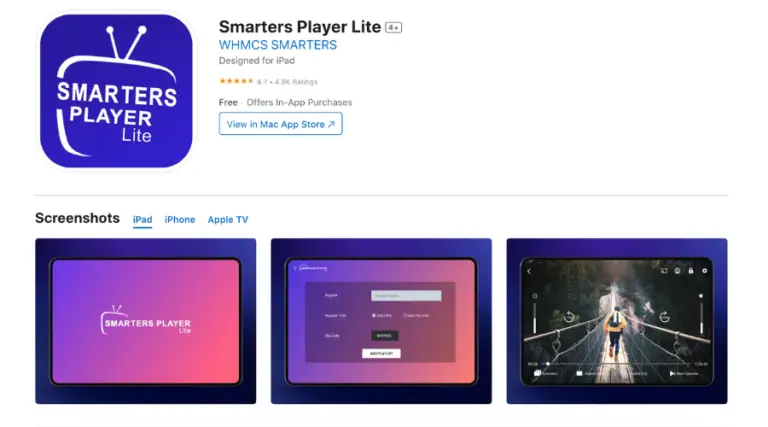
Smarters Player Lite is a popular free app that offers a simple and user-friendly interface for streaming IPTV channels.
Free to use with basic functionalities.
Easy-to-navigate interface.
Occasionally experiences performance issues.
Download the App: Download Link
Go to the App Store and search for Smarters Player Lite.
Install the app on your iPhone or iPad.
Log in Using Xtream Codes API:
Open the app and select “Login with Xtream Codes API” (third button).
Enter your username, password, and server URL (provided in your subscription email or WhatsApp).
Click “Add User” to access your IPTV channels.
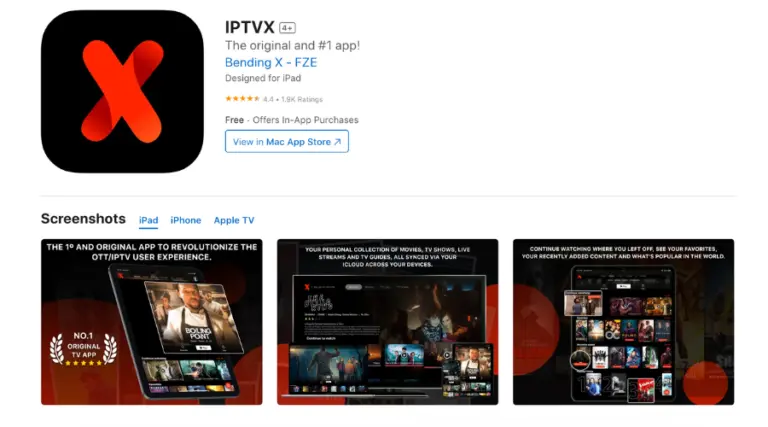
IPTVX is a premium IPTV app known for its robust features and smooth performance.
One-time purchase of $6.99 for premium features.
Supports multiple playlists and advanced EPG (Electronic Program Guide) integration.
Offers a seamless streaming experience.
Download the App: Download Link
Search for IPTVX in the App Store and install it.
Log in Using Xtream Codes API:
Open the app and select “Login with Xtream Codes API.”
Enter your username, password, and server URL.
Click “Add User” to start streaming.
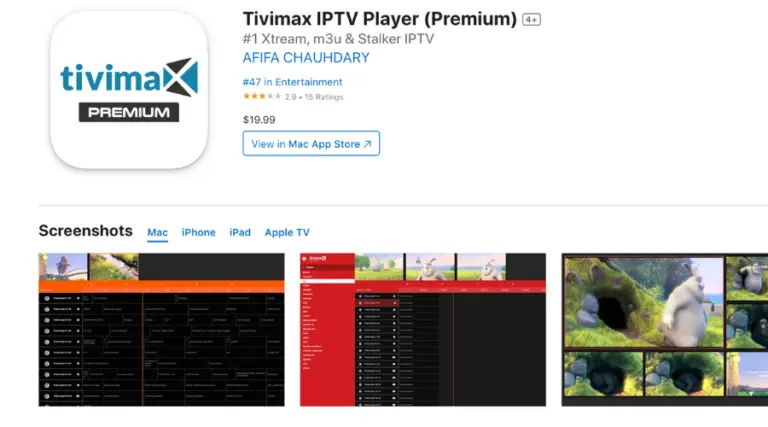
TiviMax is another excellent app for iOS users, offering features like catch-up TV and VOD (Video on Demand).
Free and premium versions available (premium costs $4.99 annually).
Supports multiple playlists and parental controls.
Provides a stable and reliable streaming platform.
Download the App: Download Link
Search for TiviMax in the App Store and install it.
Log in Using Xtream Codes API:
Launch the app and select “Login with Xtream Codes API.”
Enter your login details (username, password, and server URL).
Click “Add User” to start streaming your favorite channels.
Authorization Failed: Double-check your login credentials for any typing errors, and make sure the server URL begins with http://.
App Not Working: Ensure your iOS device is updated to the latest software version.
Contact Support: If the issue persists, contact your IPTV provider via email or WhatsApp for further assistance.